Quick answer
Open the Circles tab and tap Discover. Choose the Circle whose notifications you want to change. Circles you are in are marked Joined.
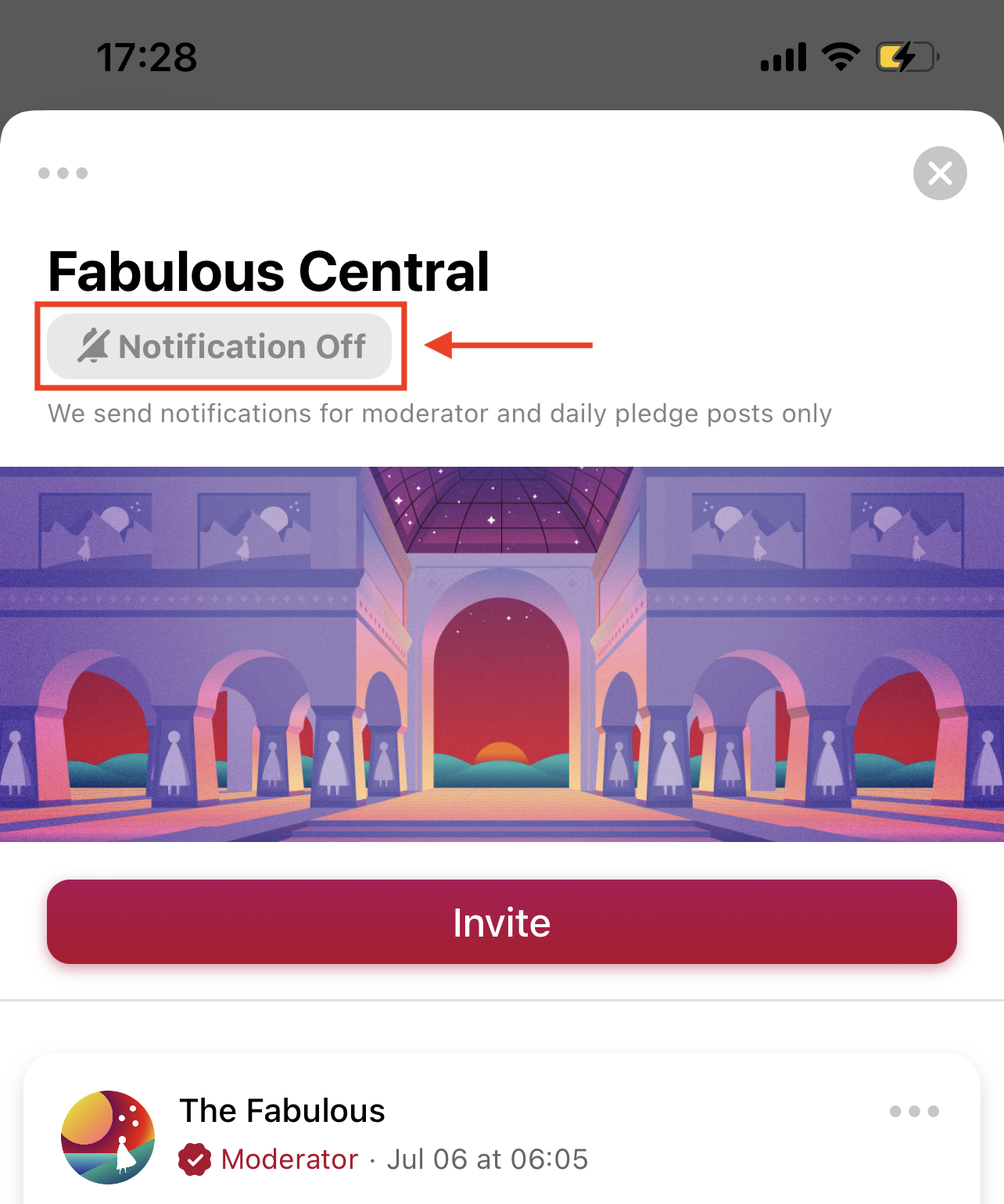
Tap the bell labeled Notification On at the top left to turn off notifications for that Circle.
Detailed steps
To turn off Circle notifications, go to the "Circles" tab > then tap "Discover" towards the top of the page.
The Circles you are currently in have a label that says "✓ Joined".
Tap on the Circle you'd like to turn off notifications for > along the top left side of your screen, tap on the bell where it says "Notification On".
You can toggle notifications on and off here.