
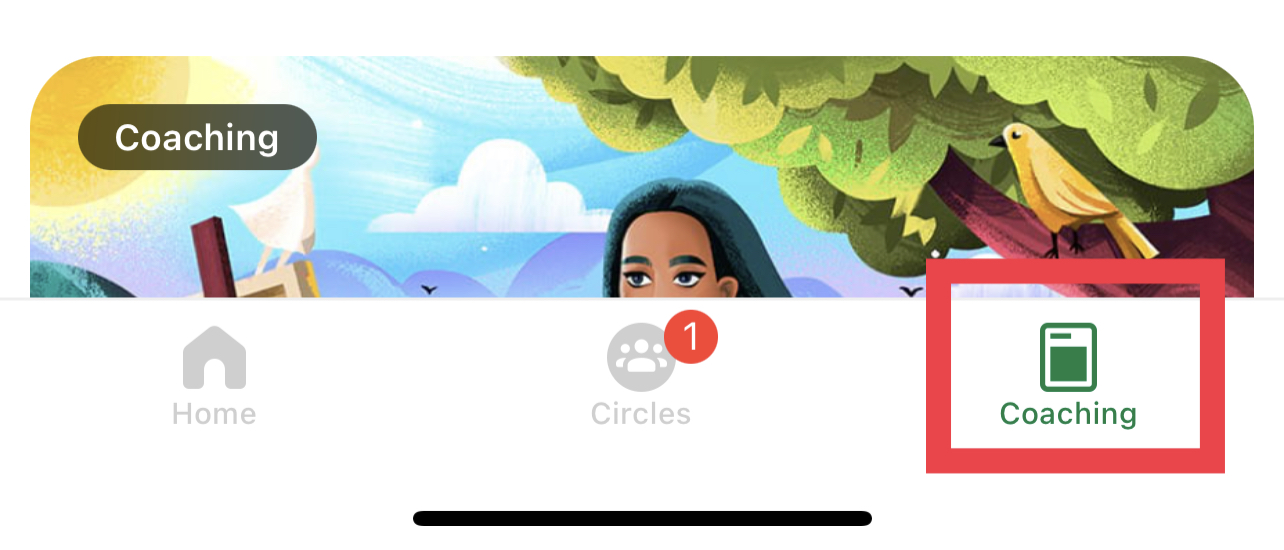
Guided Activities are located under the Coaching tab, where all coaching content is available.
On iOS
Please follow the steps below:
- Tap on the Coaching tab at the bottom of your homepage
- Tap on Guided Activities
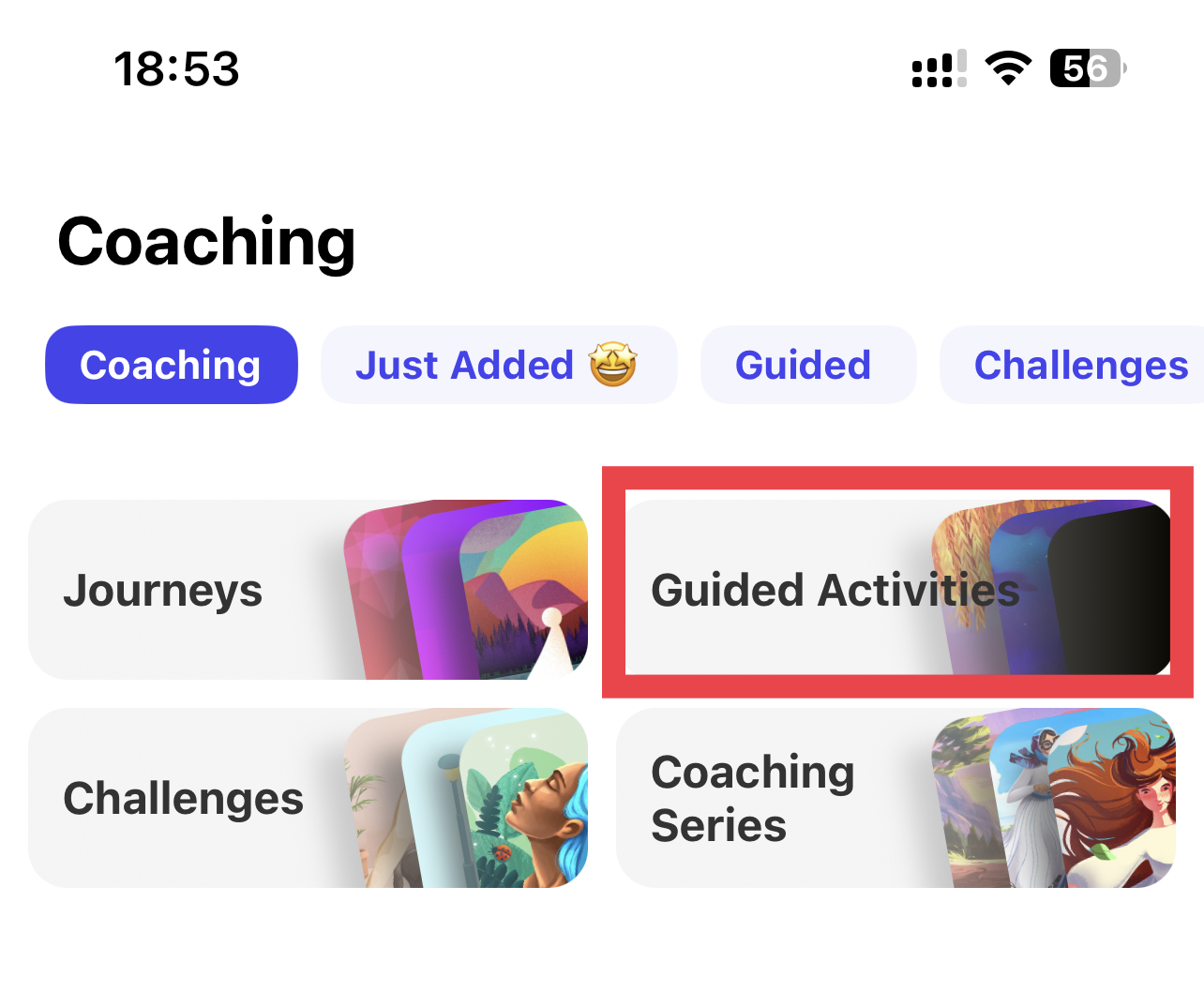
- Choose a category
- Tap the activity you'd like to start
- Tap the Play button.
On Android
Please follow the steps below:
- Tap the Launch button (rocket icon) on your homepage
- Tap Guides
- Choose a category
- Select the activity you'd like to start
- Tap the Play button.