
NOTE:

This option is only available in the Fabulous app. On Shape and Elixir it isn't currently possible to edit your name and profile picture.
iOS:
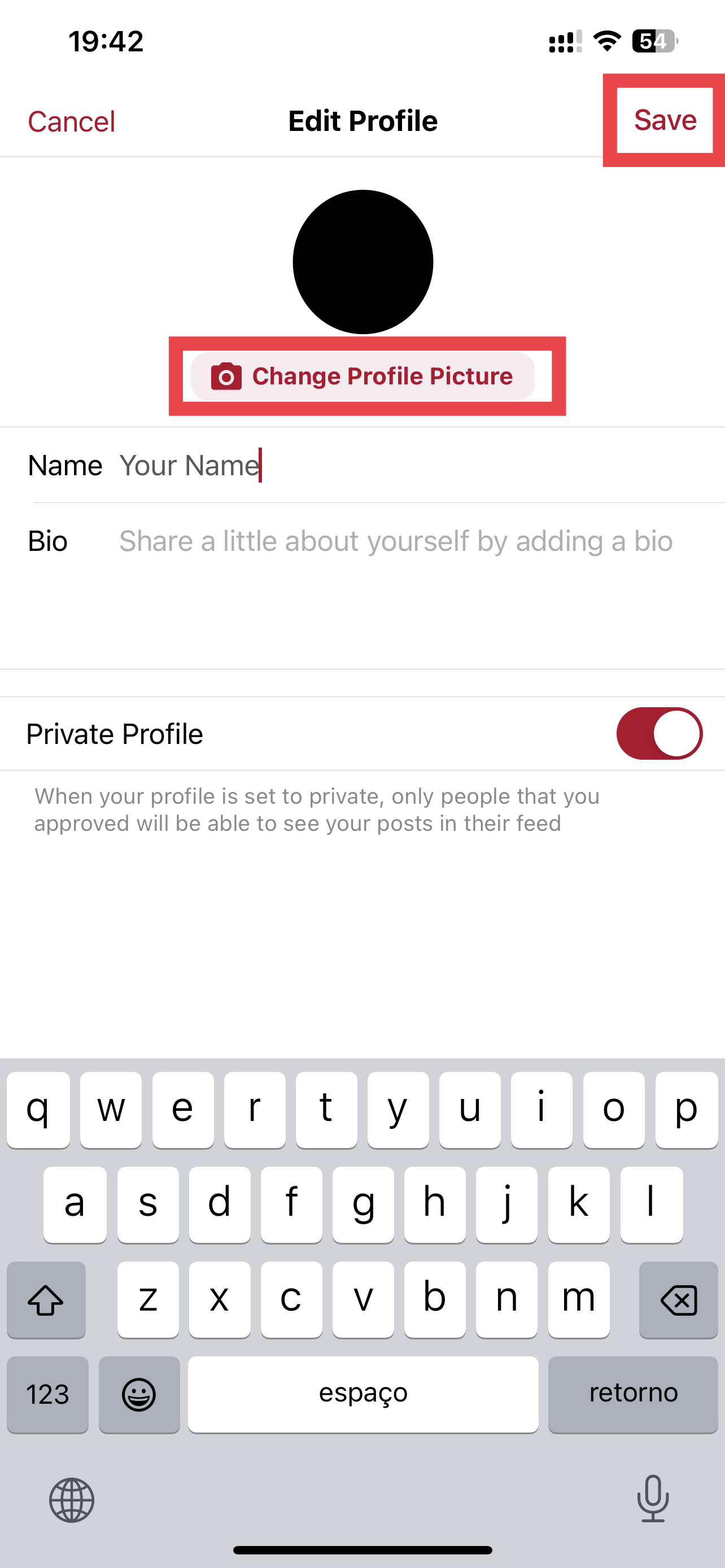
If you're using the Fabulous app on an iOS device, please follow the steps below:
- From the Fabulous homepage, tap on the Profile icon (at the top)
- Under your name, tap on View Profile
- Tap on Edit Profile. You'll then be able to edit your Name, Bio, and Profile Picture
- Tap on Save.
Android:
If you're using the app on an Android device, you will then need to contact our Member Care Team to request the change.
- Tap on the "Submit a ticket" button at the bottom of this page.
- Select "Request" as your contact reason
- In the subject field, write "Name change request" or "Profile picture change request"
- Use the description field to detail your request and the attachment field to send us your new profile picture.
Please note that this will only change your Live Challenge/Circles name, not the app's display name. If you would like to change your display name as well, please follow the steps below:
- From the Fabulous homepage, tap on the Profile icon at the top
- Tap on Settings
- Tap on Display Name, and edit your Name
- Tap on Ok.