
To add a custom habit to your Sleep Ritual:
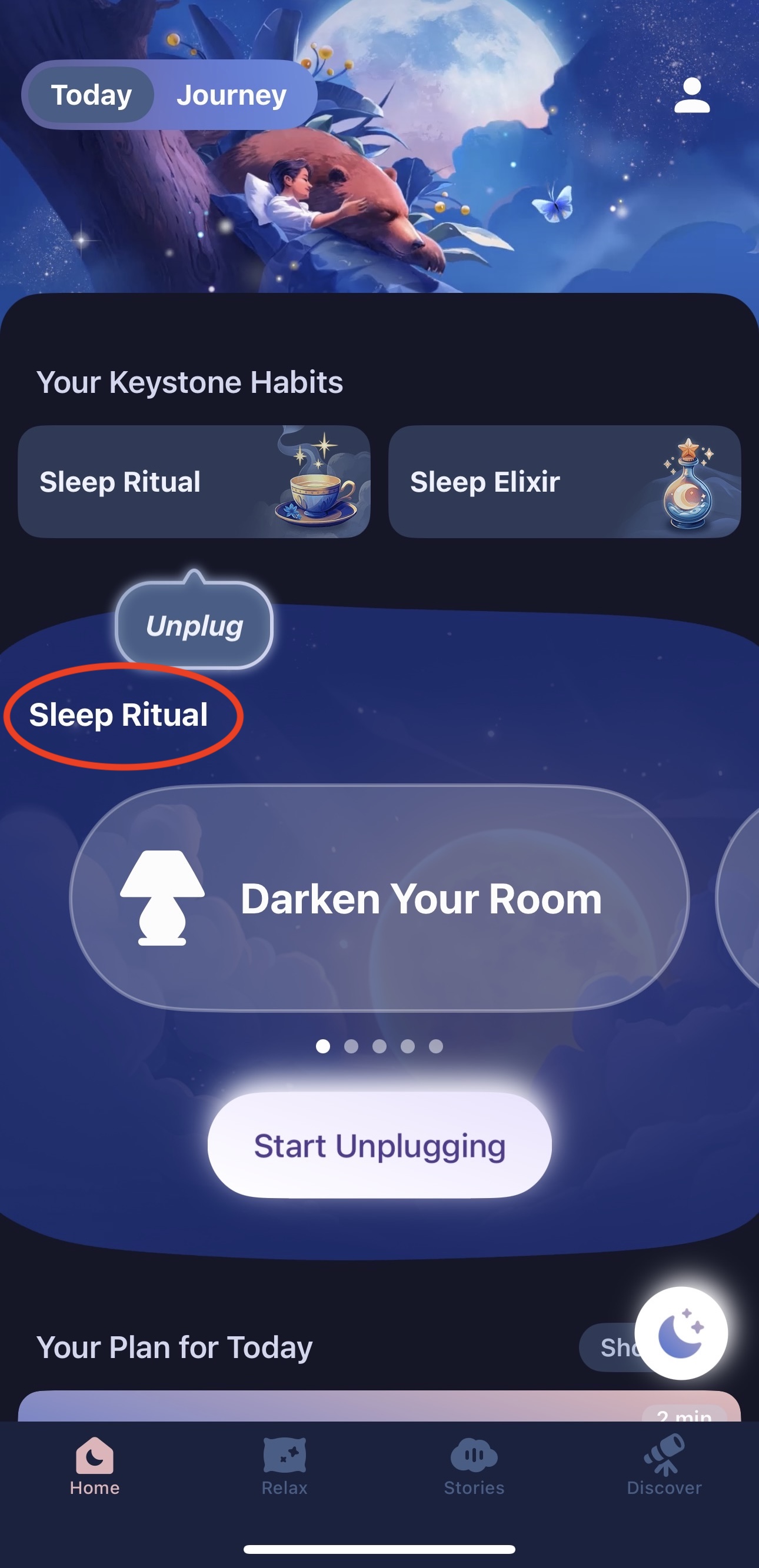
Tap on the “Sleep Ritual” section circled below
Tap on the + sign in the right hand corner of the screen
Start typing the habit you’d like to add that’s not in the available list
Tap on “Add” to get to the “Create New habit” screen
Here, you’ll be able to edit the habit’s name, choose the icon, habit duration, and more!
Tap on “Create” and you’re all set!