
To change your alarm’s tone:
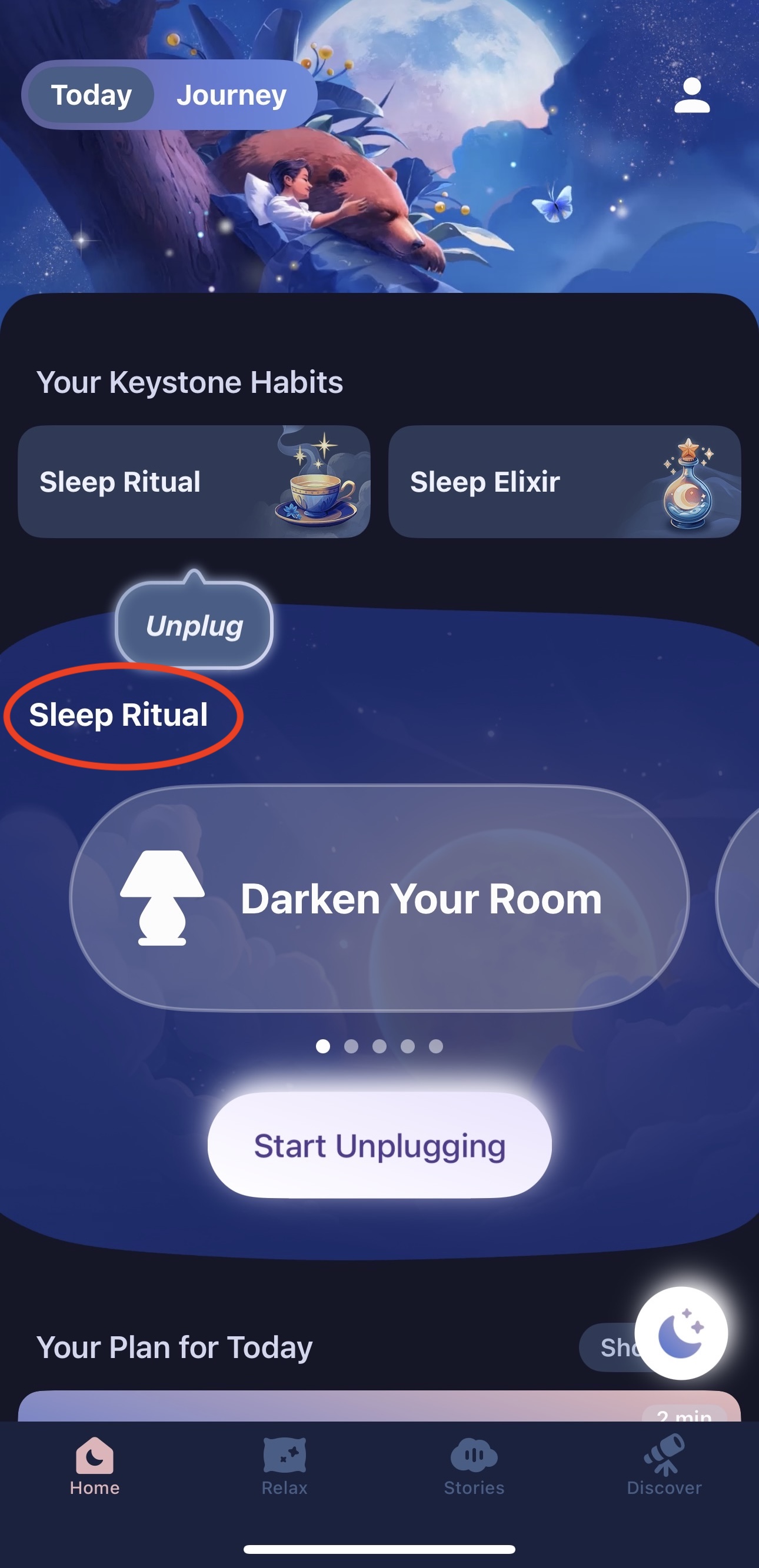
Tap on the “Sleep Ritual” section circled below
Tap on the three horizontal dots in the right hand corner of the screen
Tap on “Edit Routine and Alarm”
Tap on “Tone” under “Notification Settings”
Finally, choose the tone you’d like to use!