How to permanently delete my account and data (GDPR)?
Before you delete
Deleting your account does NOT automatically cancel your Premium subscription. Cancel your subscription first, otherwise you will continue to be charged. See our cancellation guide for steps
To delete your Fabulous, Shape, Elixir, or Clarify account and all associated data, follow these steps.
Go to app.thefabulous.co and sign in.
If you use multiple Fabulous apps, select the app whose account you want to delete.
Scroll to the bottom and tap Delete my account. Follow the 2 required steps to confirm.
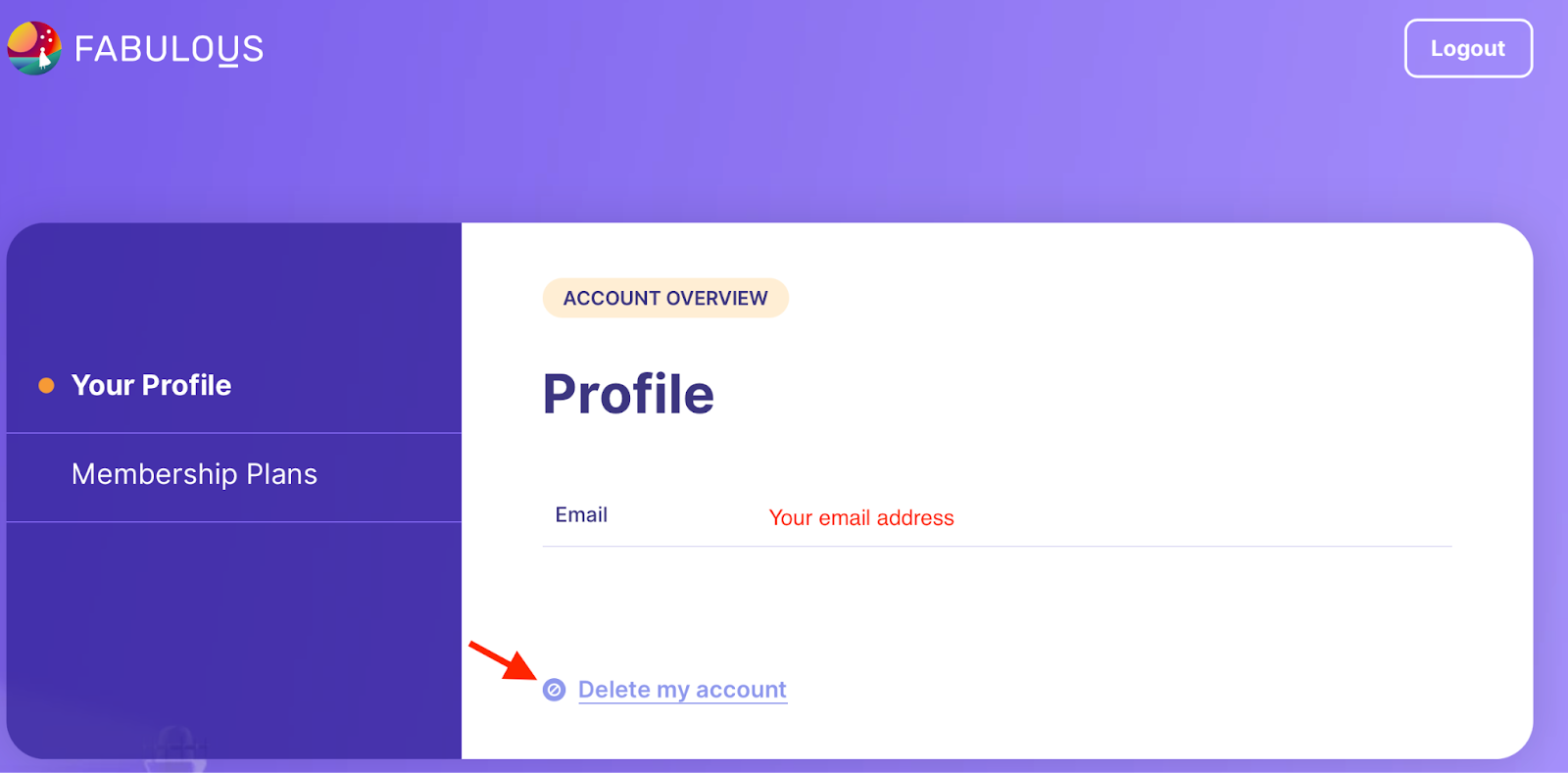
Account deletion is permanent and irreversible. Your progress, history, and data cannot be restored after deletion. Your email will also be removed from all marketing communications.We're here if you need us. Reach out to our support team and we'll get you sorted.
Was this article helpful?
That’s Great!
Thank you for your feedback
Sorry! We couldn't be helpful
Thank you for your feedback
Feedback sent
We appreciate your effort and will try to fix the article
Loading...