How to cancel your subscription (subscribed via Fabulous website)
Before you start
Deleting the Fabulous app does not cancel your subscription.
Subscriptions auto-renew unless cancelled at least 24 hours before the renewal date.
After cancelling, you keep access to Premium until your current period expires.
If you subscribed to the App Bundle Plan, you need to cancel each app individually. Go to thefabulous.co, select each app icon and cancel its plan one by one.
How to cancel
Go to app.thefabulous.co and sign in to your account.
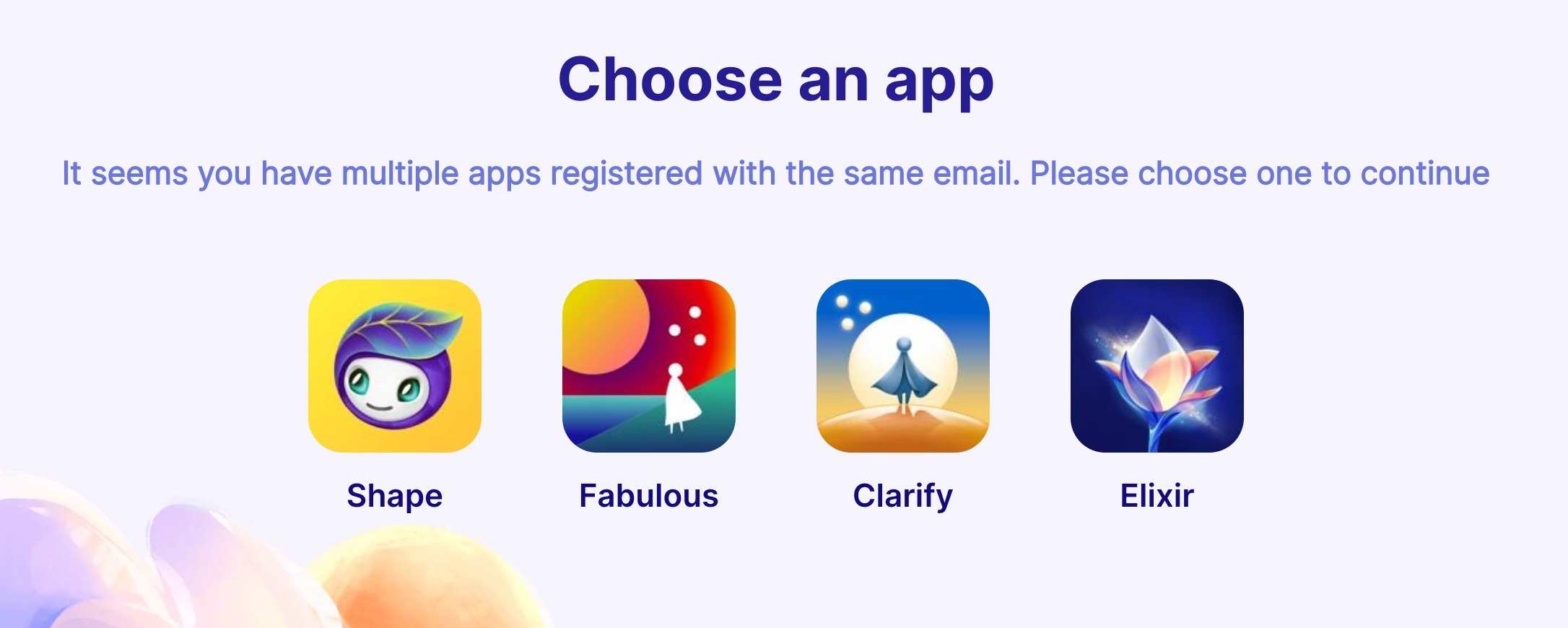
Select the app whose subscription you want to cancel.
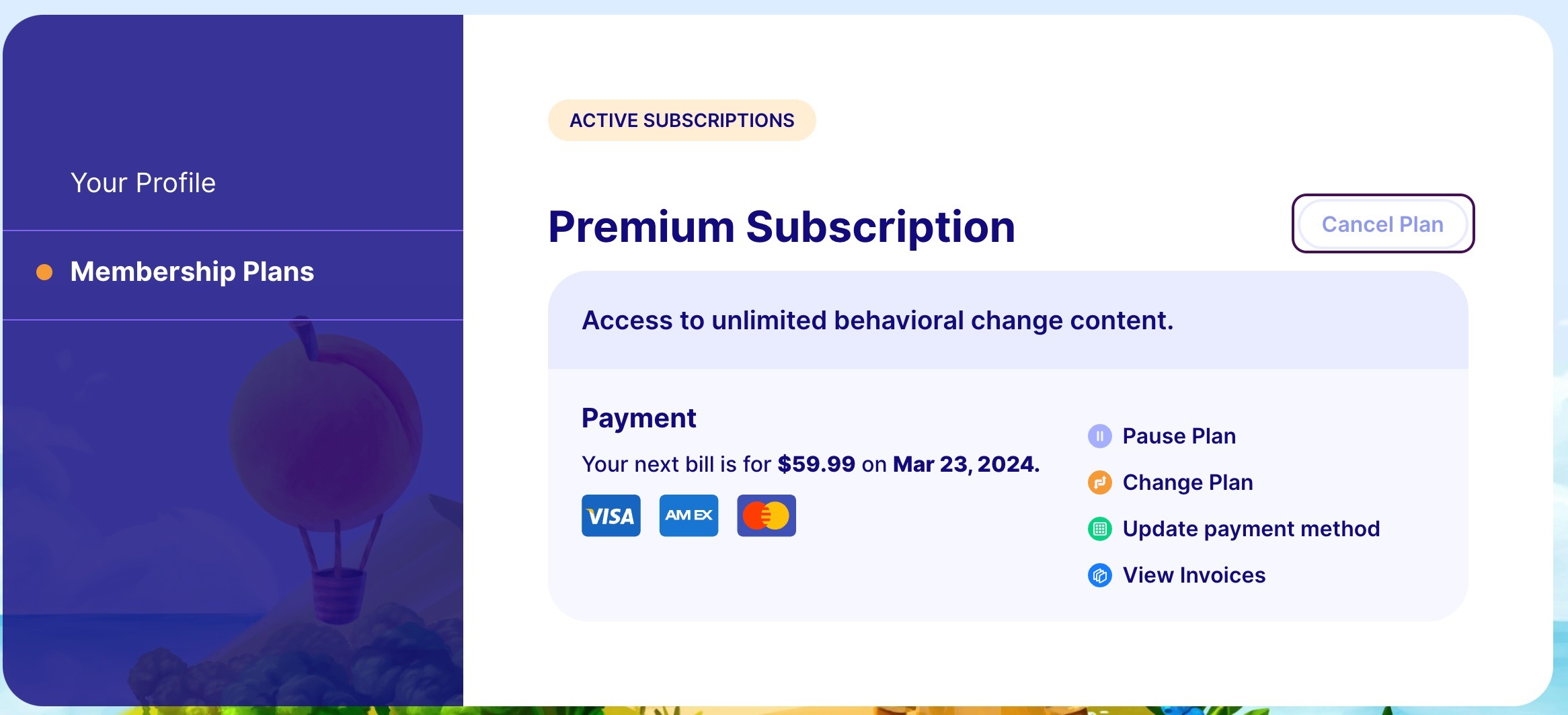
Go to Membership Plans and tap Cancel Plan.
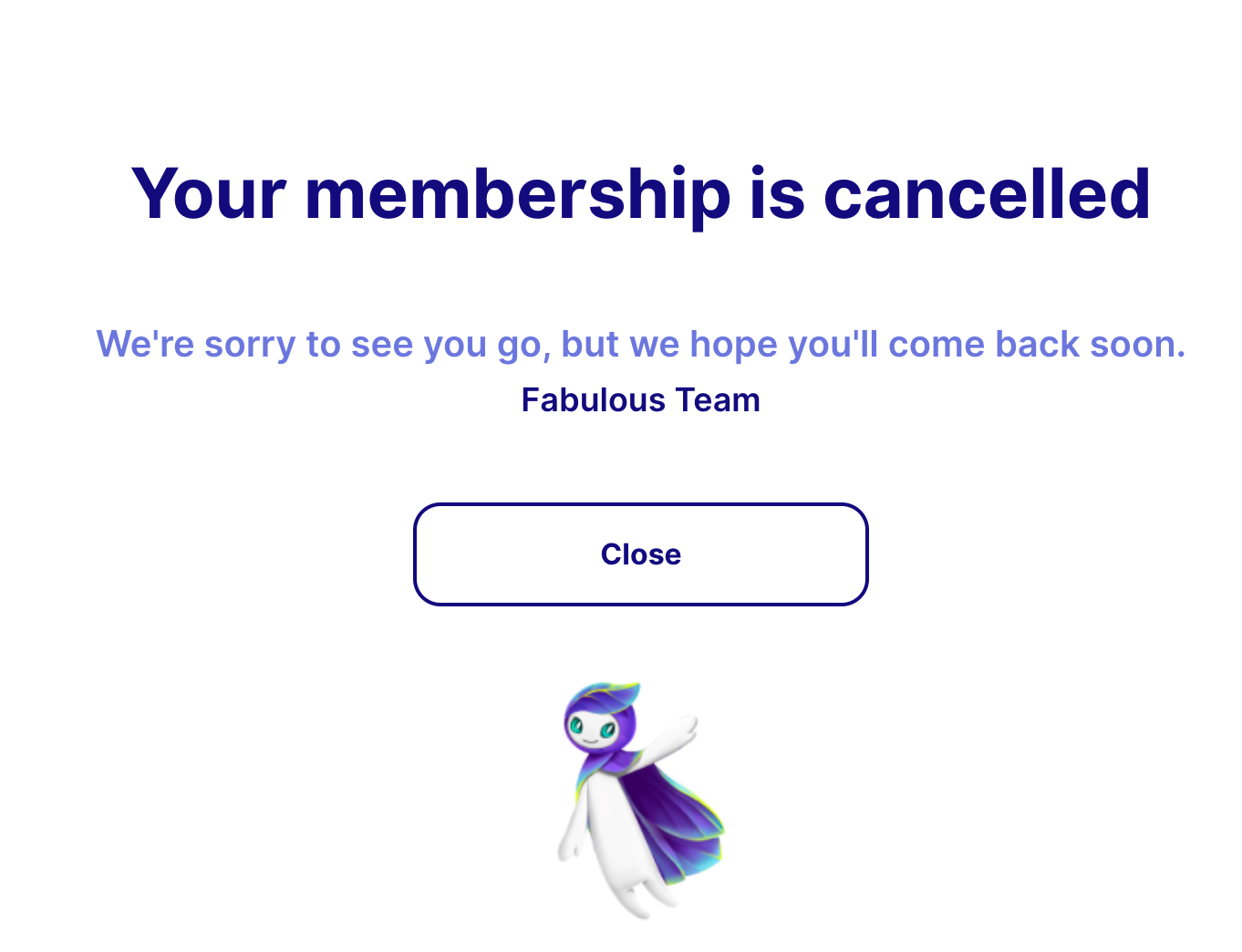
Follow the on-screen steps until you reach the cancellation confirmation page.
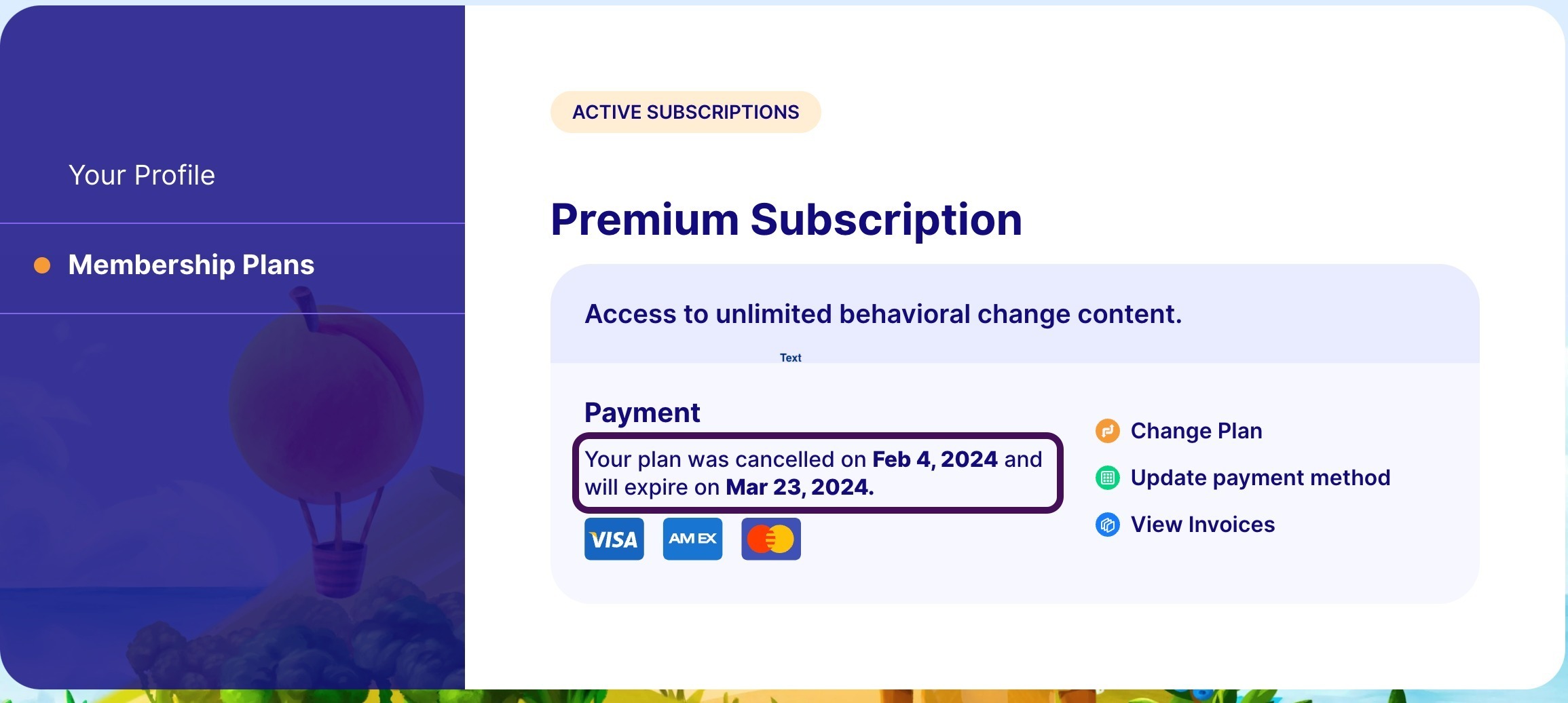
Tap Close and return to Membership Plans to confirm your cancellation and see your expiry date.
After cancelling
You'll see an Expiry Date instead of a Renewal Date in your Membership Plans tab. This is the date your Premium access ends. You won't be charged again after this date.
Don't see a Membership Plan to cancel? If you signed in to app.thefabulous.co and your subscription isn't there, it was likely created via the App Store or Google Play. Check our gateway article to find your subscription source. |
We're here if you need us. Reach out to our support team and we'll get you sorted.
Was this article helpful?
That’s Great!
Thank you for your feedback
Sorry! We couldn't be helpful
Thank you for your feedback
Feedback sent
We appreciate your effort and will try to fix the article